Your AI Terminals,
Orchestrated.
Mato is a terminal multiplexer and workspace that brings visual intelligence to the CLI. Manage hundreds of AI agent sessions with real-time signals, daemon-backed persistence, and zero-conflict ergonomics.

Features
Developer-friendly features for high-concurrency AI workflows.
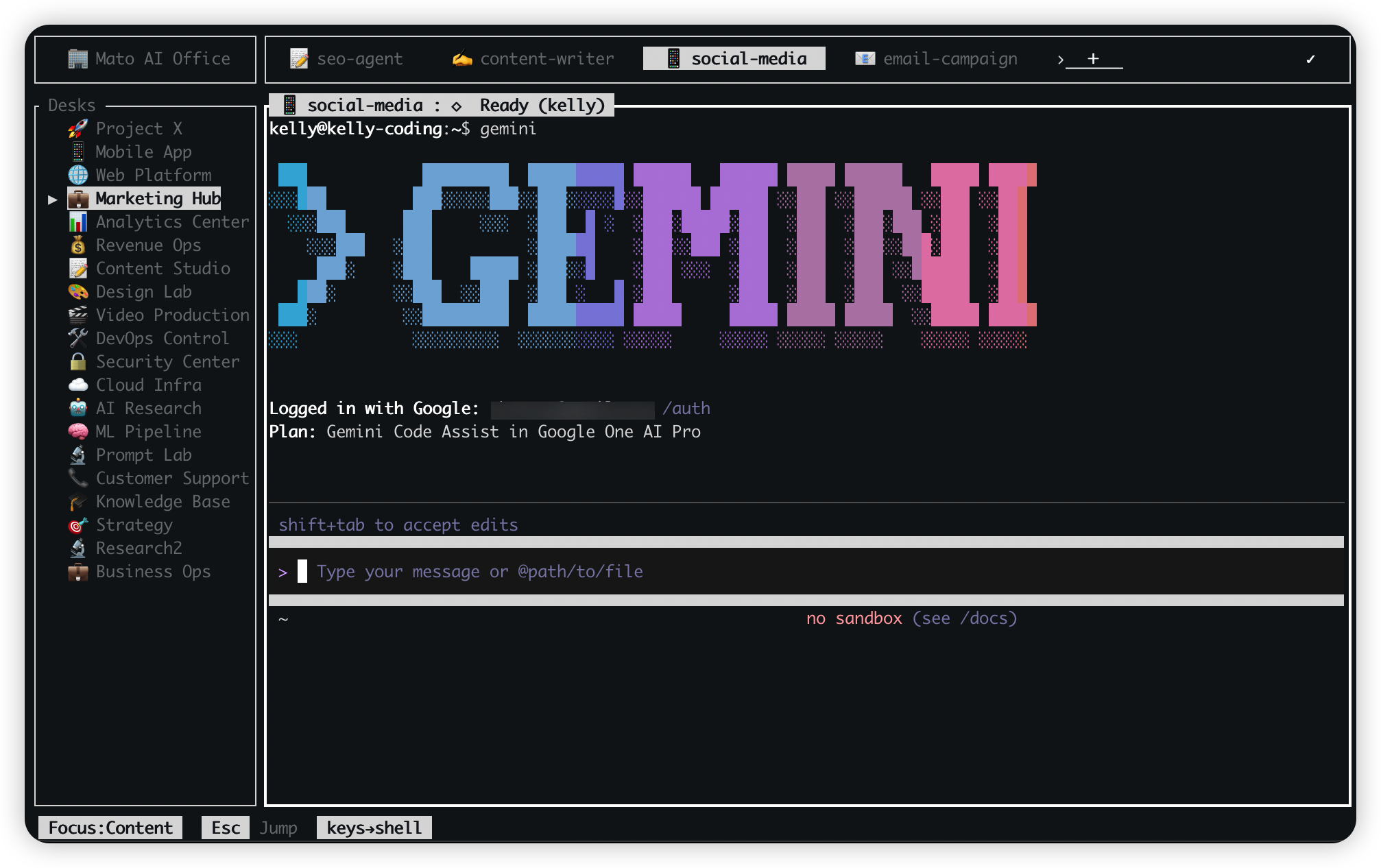
1. Offices -> Desks -> Tabs
A structured workspace hierarchy for parallel terminal workflows.
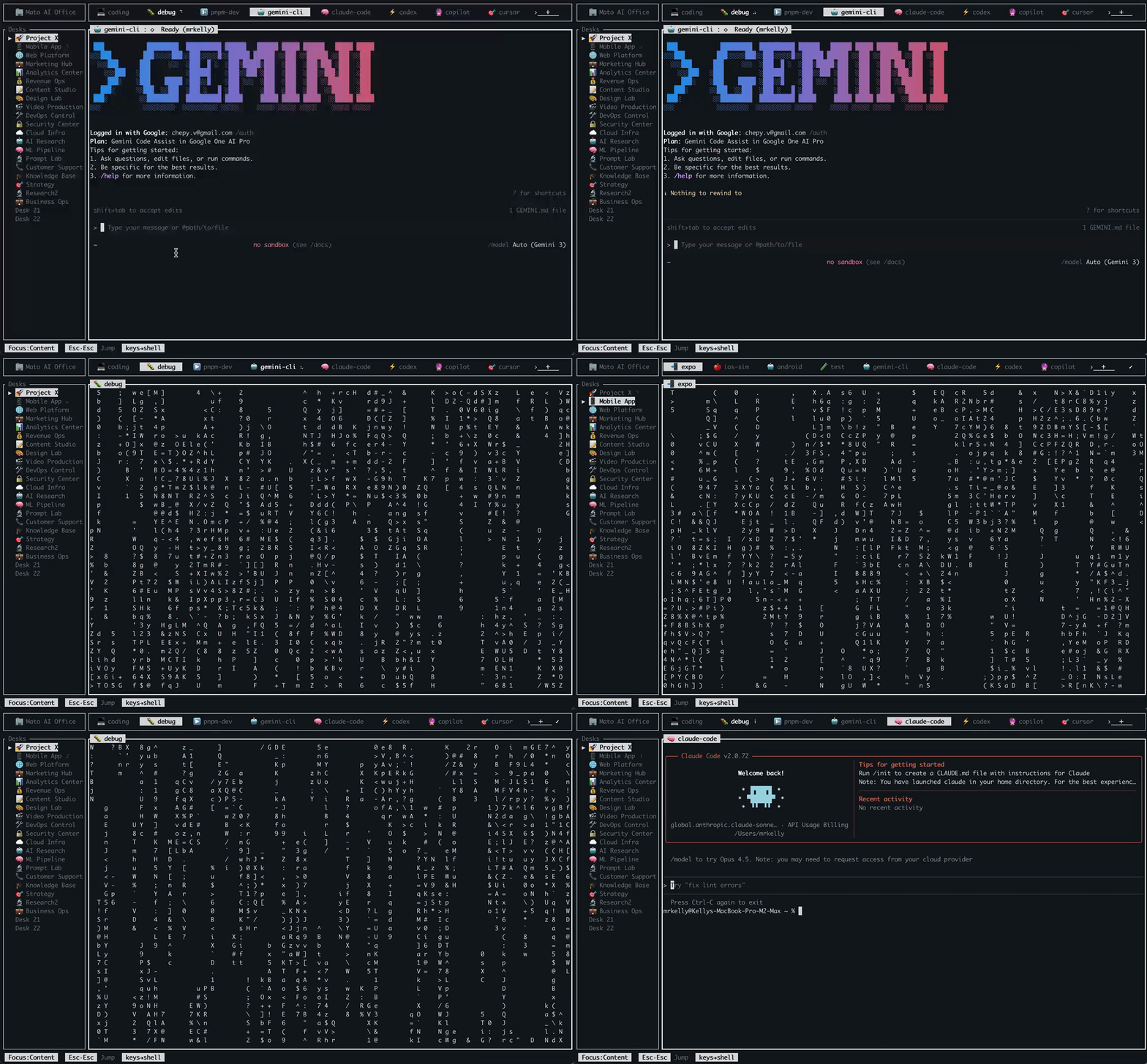
2. Jump Mode
Press Esc, then jump straight to visible targets in one move.
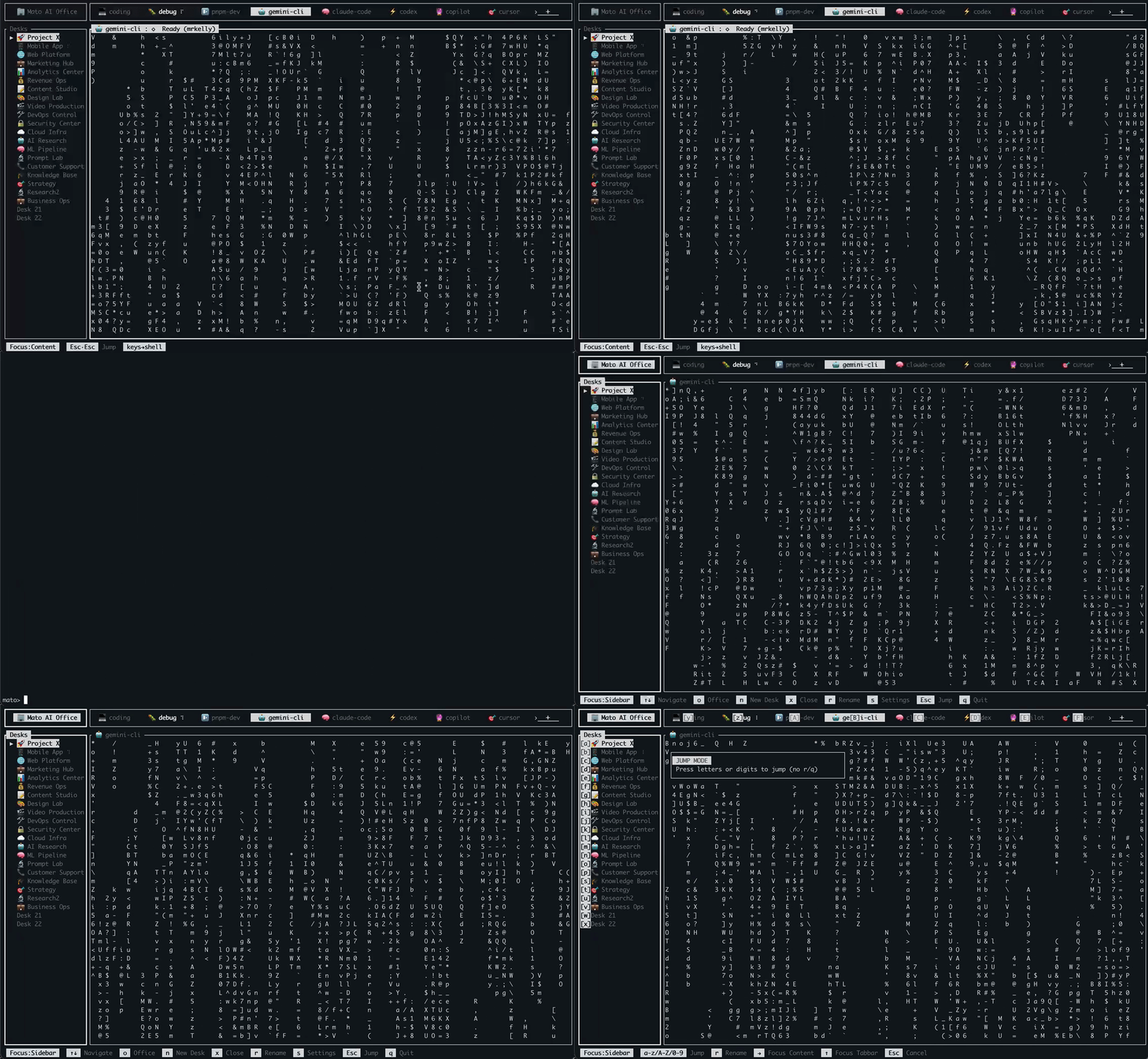
3. Background Persistence
Agents keep running even if terminal closes or SSH drops.
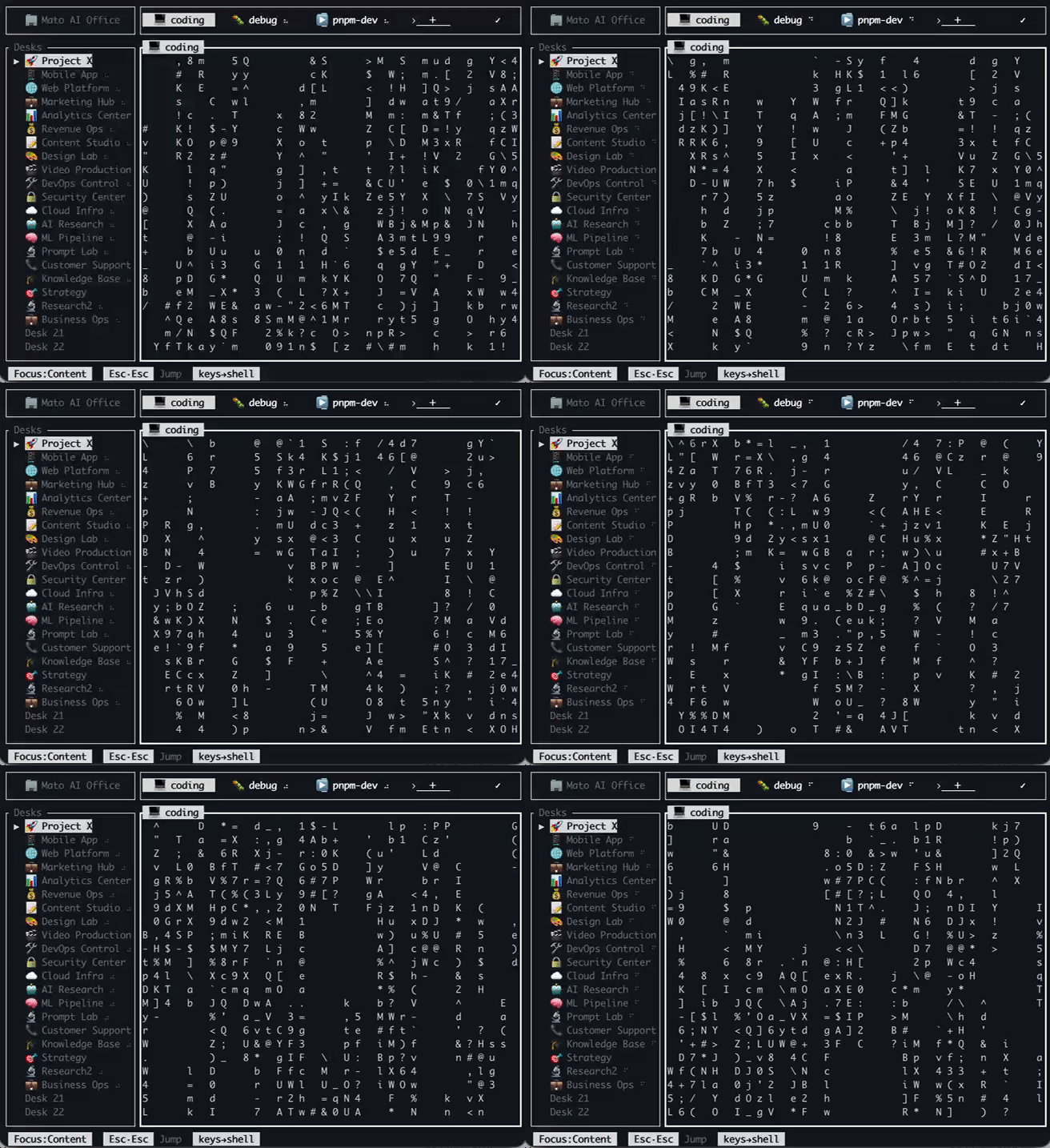
4. Spinner Activity
See where work is happening right now with live spinner signals.
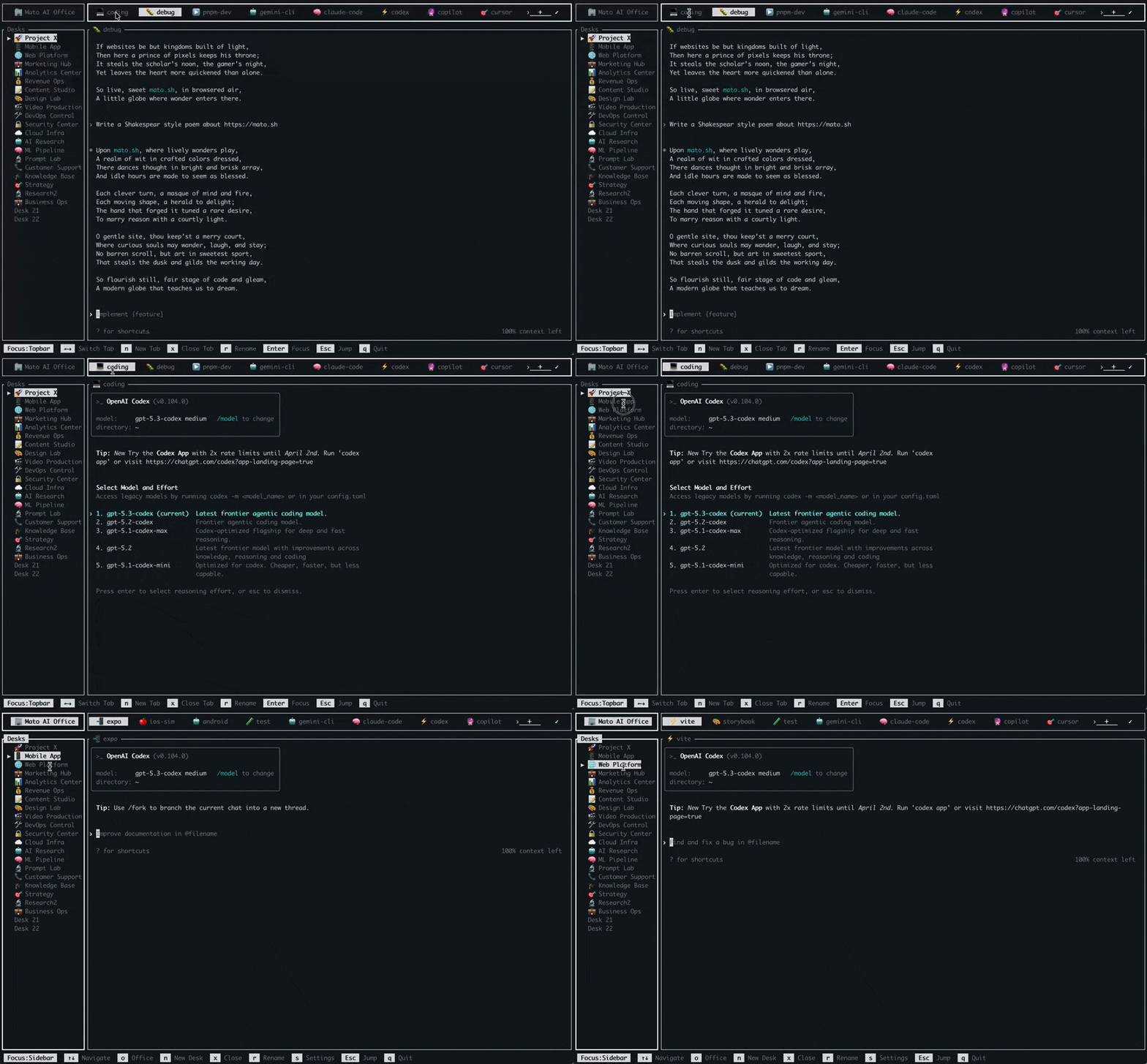
5. Mouse Support
Click desks and tabs directly while keeping a terminal-native workflow.
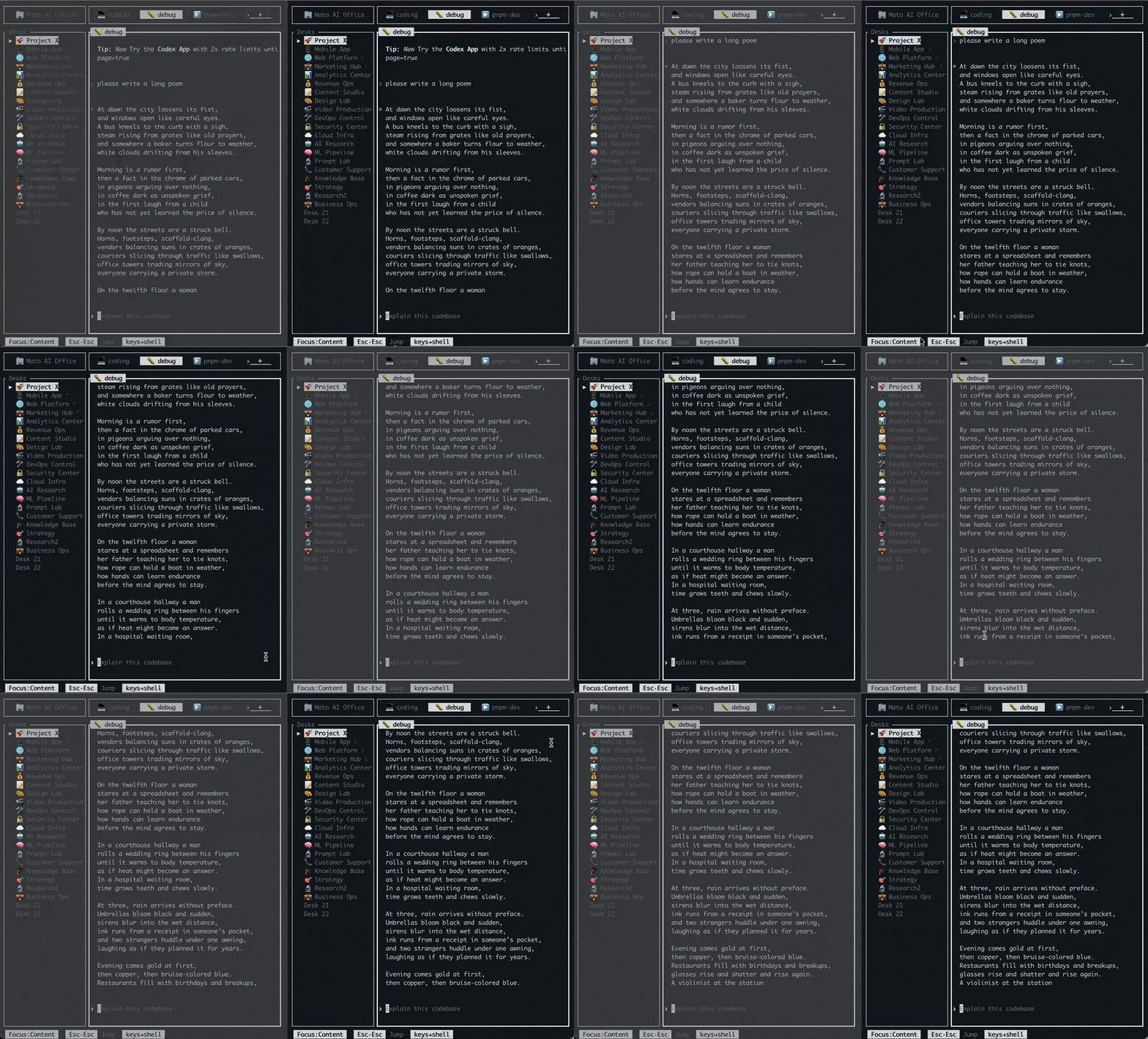
6. Multi-Client Sync
Attach from multiple terminals/SSH sessions and stay in sync.

7. Prebuilt Templates
Start in seconds with ready-made templates and multilingual onboarding.

8. Customizable Themes
Pick the theme style you like with persistent workspace state.
Why Mato?
Traditional terminal multiplexers are "blind." You never know what's happening in another tab until you switch to it.
Lost in Tabs
See active agents instantly with live activity signals across desks/tabs.
Arrow-Key Grind
Jump to what you need in one move, instead of stepping tab-by-tab.
Shortcut Hell
Only Esc is special, so your shell/editor shortcuts keep working as usual.
Session Loss
Agents keep running in the background; reconnect and continue where you left off.
Ready in 60 seconds.
Lightweight binary installation or AI-agent ready prompts.
Copy this prompt into Claude Code, Codex, Warp, Cursor, Antigravity, OpenClaw, GitHub Copilot (VS Code), Gemini CLI, or Windsurf.
Install Mato on this machine and verify it works.

Steps:
1) Primary install path (official install script):
   - curl -fsSL http://mato.sh/install.sh | bash
2) If that fails, fallback A (Homebrew):
   - brew tap mr-kelly/tap
   - brew install mato
3) If Homebrew is unavailable/fails, fallback B (GitHub release binary):
   - https://github.com/mr-kelly/mato/releases/latest
   - Extract and install "mato" into /usr/local/bin (or ~/.local/bin without sudo)
4) If binary install also fails, fallback C (build from source):
   - git clone https://github.com/mr-kelly/mato.git
   - cd mato
   - cargo build --release
   - install target/release/mato to /usr/local/bin (or ~/.local/bin)
5) Verification:
   - run: mato --version
   - launch mato once, confirm startup works, then exit
6) If any step fails, explain the exact failure and continue with the next fallback automatically.curl -fsSL http://mato.sh/install.sh | bashbrew tap mr-kelly/tap
brew install matoShortcut Philosophy
The Rule of One: you don't need to memorize shortcuts. Esc is the only state-switch key, and everything else stays with your shell.
| Key | Action | Scope |
|---|---|---|
| Esc | Jump / Teleport Mode | Global |
| n | Create New Context | Navigation |
| x | Terminate Session | Navigation |
| r | Rename Context | Navigation |
| o | Office Selector | Global |
| q | Soft Quit Client | Global |
Scale your productivity.
Join the next generation of terminal orchestration.
Questions? Contact the author on X.
You say tomato, I say Mato.
English: MAY-to · 粤语: 咩圖 · 普通话: 梅拓 · 日本語: メイト · 한국어: 메이토